220×150×8mm support brace for the server rack. 40 through-holes in an alternating-spacing grid, B.E.S.T engraved into the top face, exported to STL — all generated by a Python script running in Blender. No manual modelling.
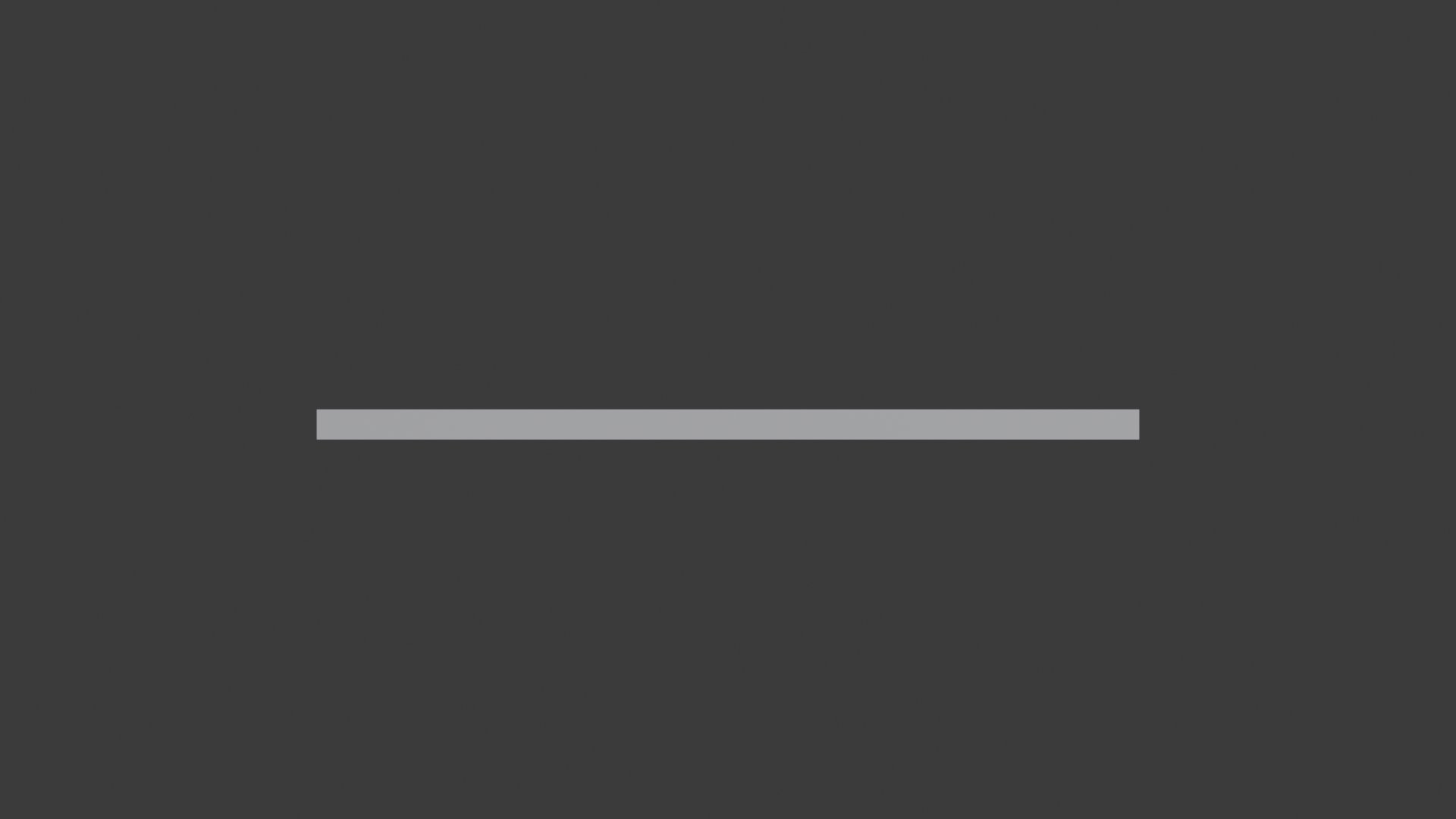
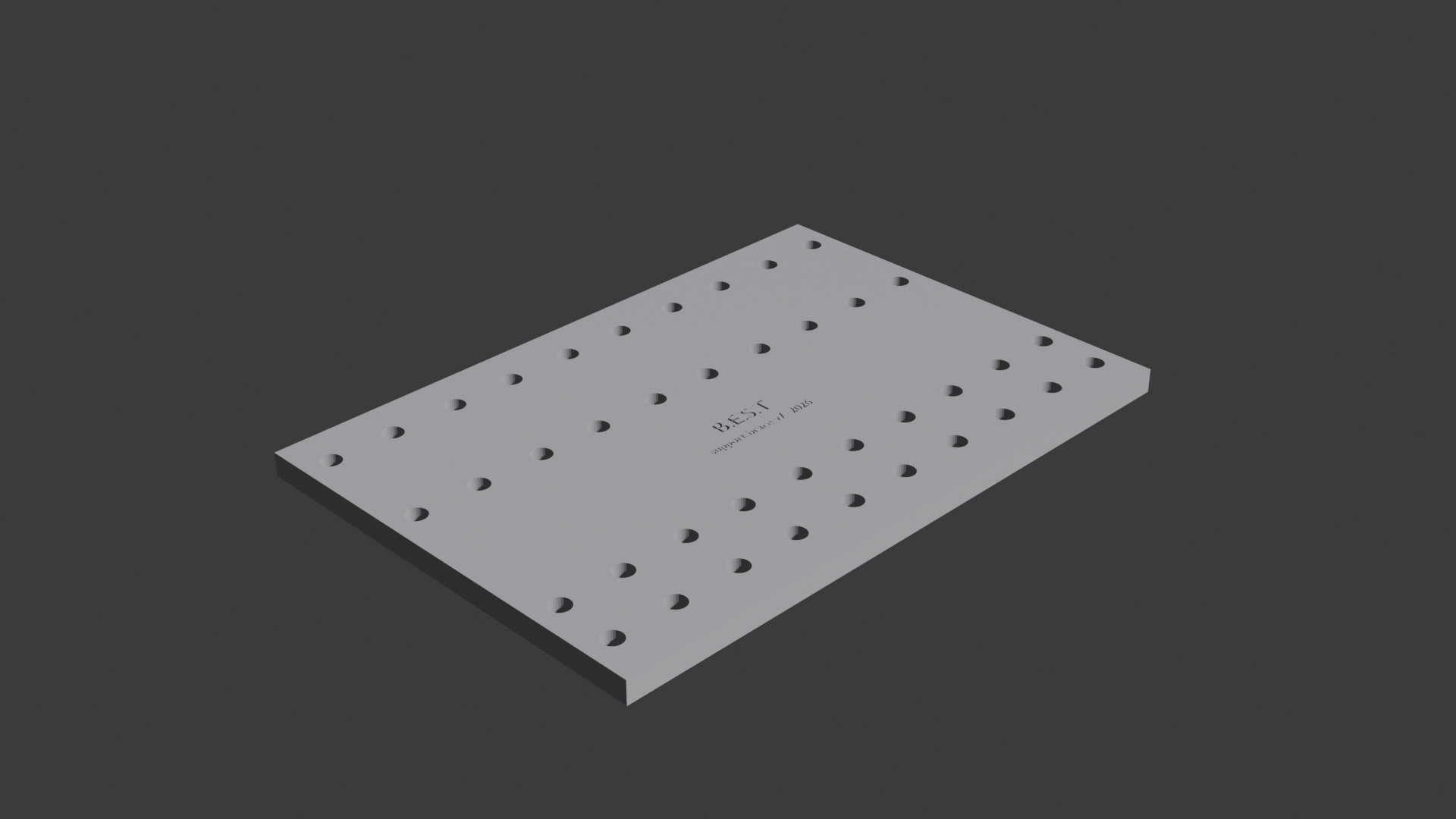
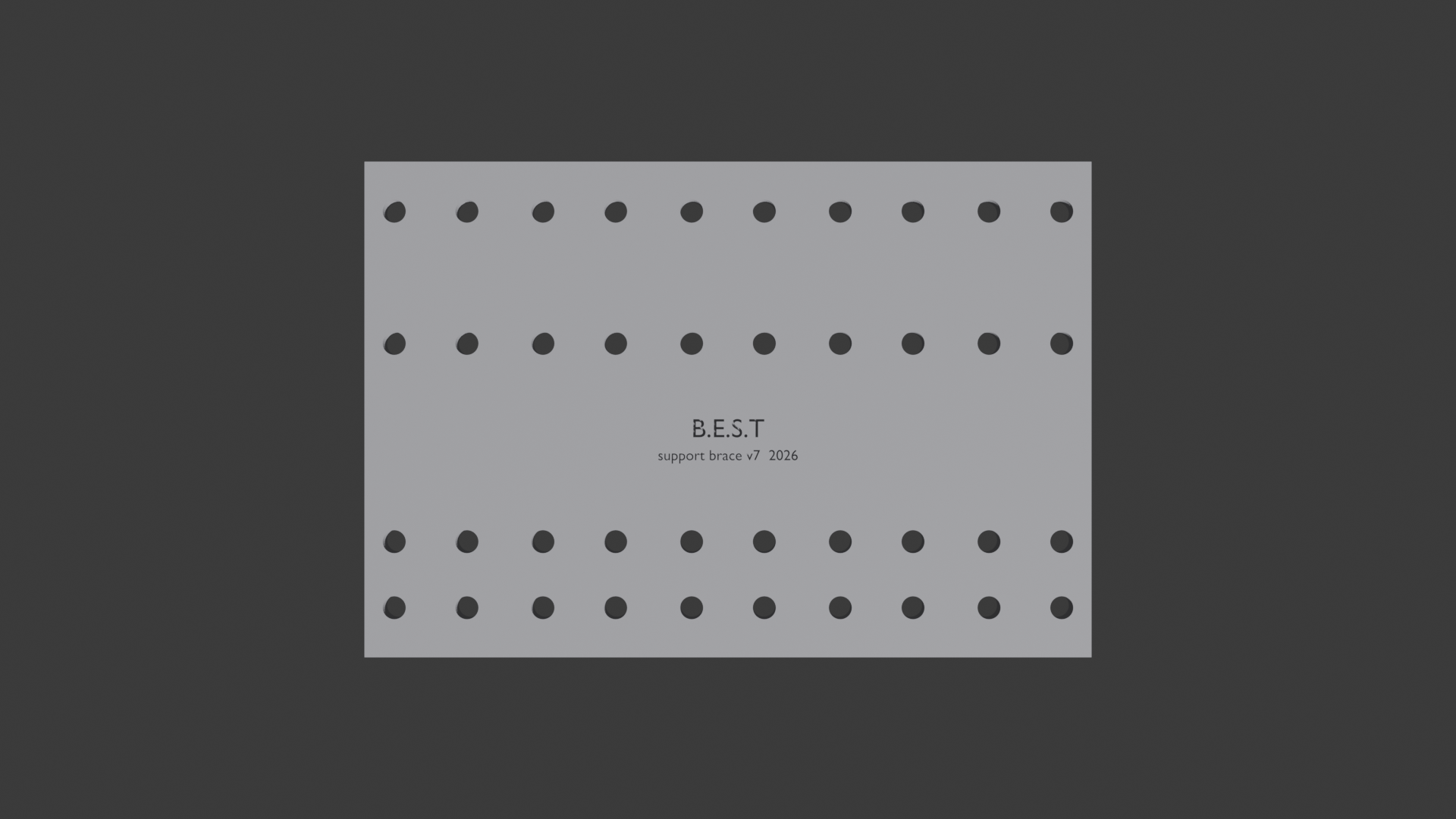
The same script that builds the geometry now also sets up cameras, runs EEVEE renders from four angles, and saves PNGs alongside the STL. The renders above are the direct output.
Downloads
rack_support_brace.pyrack_support_brace_220x150.stl
The script
Flip EXPORT_STL / EXPORT_RENDER at the top of the file, point EXPORT_DIR at your folder, press Alt+P in the Blender Script Editor.
The config block at the top of the file is the only place dimensions live:
PLATE_X       = 220.0   # mm
PLATE_Y       = 150.0   # mm
HOLE_DIAM     =   7.0   # mm
N_COLS        =  10
ROW_SPACING   =  20.0   # mm
Iterating means editing a constant and re-running — not touching a model.
See Blender Python for 3D Printing for the general pattern behind this.
Step 1 — Render from script ✓
Done. Script builds geometry → exports STL → places cameras at four angles (top, front, side, iso) → EEVEE renders → PNGs saved to EXPORT_DIR/renders/.
Pipeline next steps (headless render, CI/CD, AI feedback loop) are tracked in the Procedural Mesh project.
The Printed Part
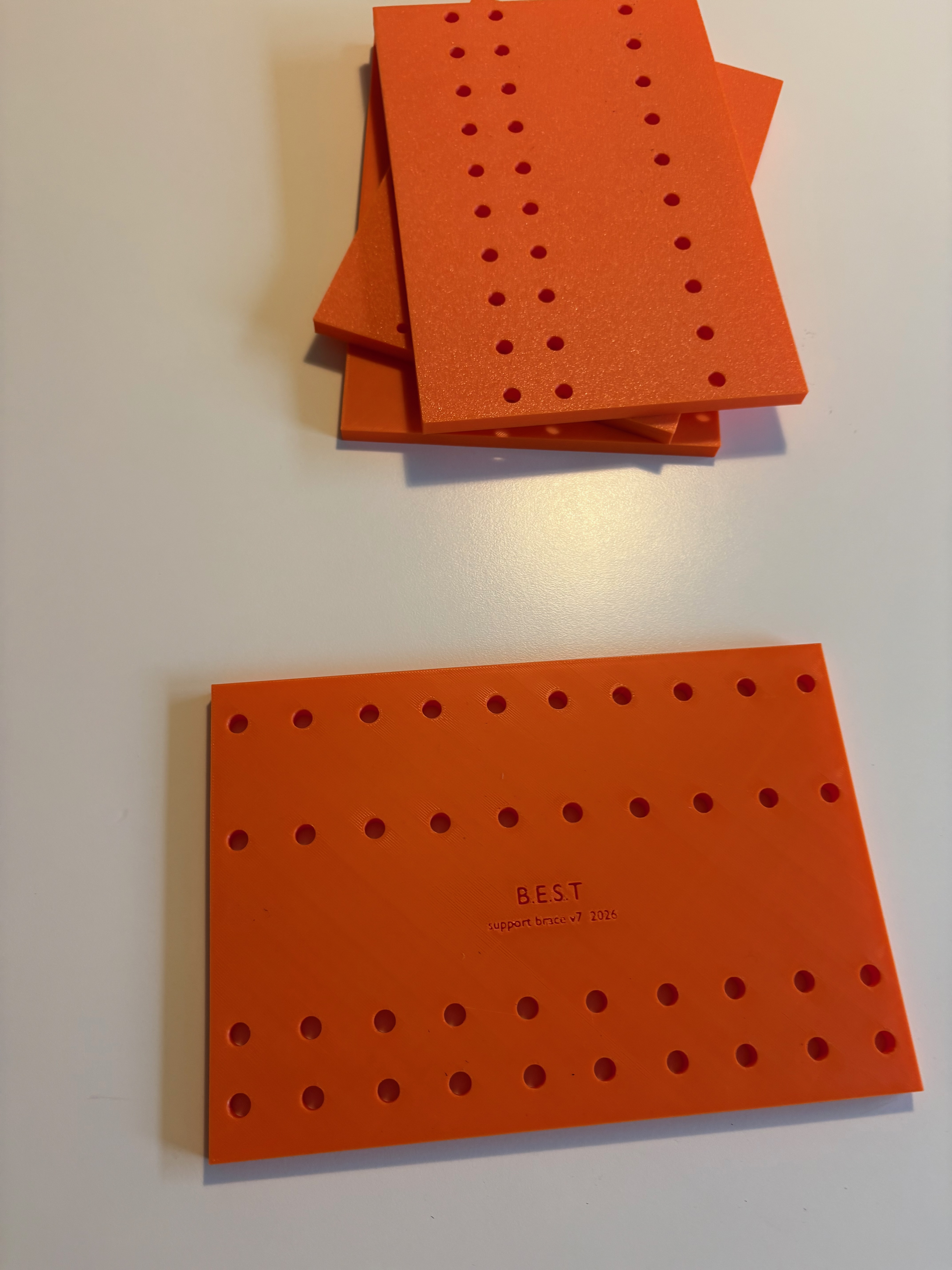
Finished rack support brace installed in the rack.